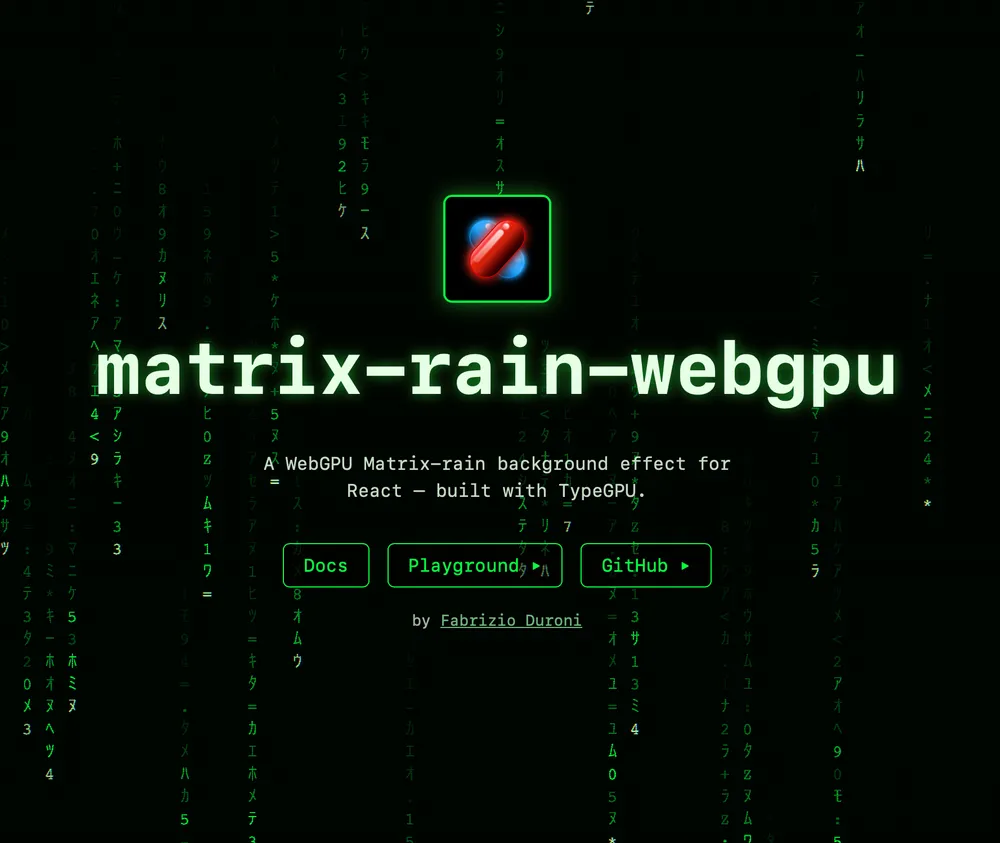
matrix-rain-webgpu


A Matrix-style "digital rain" background effect for React, rendered on the GPU with WebGPU via TypeGPU. GPU-driven simulation, signed-distance-field glyphs, depth parallax, bloom, and a CRT post-process.
▶ Live demo & full documentation: https://labs.fabrizioduroni.it/matrix-rain/
It powers the animated background on fabrizioduroni.it. Requires a WebGPU-capable browser (recent Chrome / Edge / Safari / Firefox).
Install
npm install matrix-rain-webgpu react react-dom
react/react-dom (v19) are peer dependencies. The TypeGPU packages
(typegpu/@typegpu/react/@typegpu/noise) are regular dependencies, exact-pinned to
versions this library is tested against — you don't install or track them yourself. The
shaders are pre-compiled at publish time, so you do not need any TypeGPU build plugin.
Using TypeGPU directly in your app? Align your
typegpu/@typegpu/*versions with the ones this package pins (see itspackage.json): npm then dedupes to a single instance. Two different copies oftypegpuor@typegpu/reactin one bundle break the'use gpu'shader registry and the shared root context.
Module resolution: the published types target bundler-style resolution (
moduleResolution: "bundler"/"node"), which is what Vite, Next.js, and most React setups use. Strict"node16"/"nodenext"resolution isn't supported yet.
Usage
The component renders a <canvas> that fills its positioned parent and ignores pointer events:
import { MatrixRainWebGPU } from 'matrix-rain-webgpu';

export function Background() {
  return (
    <div style={{ position: 'relative', width: '100%', height: '100dvh' }}>
      <MatrixRainWebGPU />
    </div>
  );
}
Everything is optional and grouped — omit for defaults, pass an object to tune, or false to disable an effect:
<MatrixRainWebGPU rain={{ fontSize: 24 }} bloom={{ intensity: 2 }} crt={false} />
WebGPU isn't available everywhere; gate on isWebGPUSupported() and render your own fallback when it's missing:
import { MatrixRainWebGPU, isWebGPUSupported } from 'matrix-rain-webgpu';

return isWebGPUSupported() ? <MatrixRainWebGPU /> : <My2DFallback />;
Documentation
Full docs live on the site — including the interactive playground:
- Getting started & Public API — install, props, recipes.
- Architecture — how the pieces connect.
- How it works — per-component deep dives, with the computer-graphics concepts and the math.
- Playground — the live demo with every knob exposed.
Local development
This package lives in Chicio Labs, Fabrizio Duroni's lab repository. The library
is here; its docs and demo site are the sibling apps/matrix-rain-showcase
workspace, an Astro + Starlight app.
Clone the monorepo and install once from its root — npm workspaces links the two together, so the showcase renders this package's source rather than a published copy.
npm install                                          # from the repository root

npm run build   --workspace=matrix-rain-webgpu       # library: vite + declarations
npm run lint    --workspace=matrix-rain-webgpu       # oxlint + oxfmt
npm run types   --workspace=matrix-rain-webgpu       # tsc -b

npm run dev     --workspace=matrix-rain-showcase     # the docs + demo site
This package keeps its own toolchain — oxlint, oxfmt and Vite — rather than the monorepo's ESLint and
tsdown. lint and typecheck are thin aliases over the former so it still joins the repository-wide
gates (npm run lint from the root fans out across every workspace).
Author
Built by Fabrizio Duroni. If you enjoy it, a visit to the site is the best way to support the work. Also don't forget ⭐ to star the monorepo ⭐.